The challenge
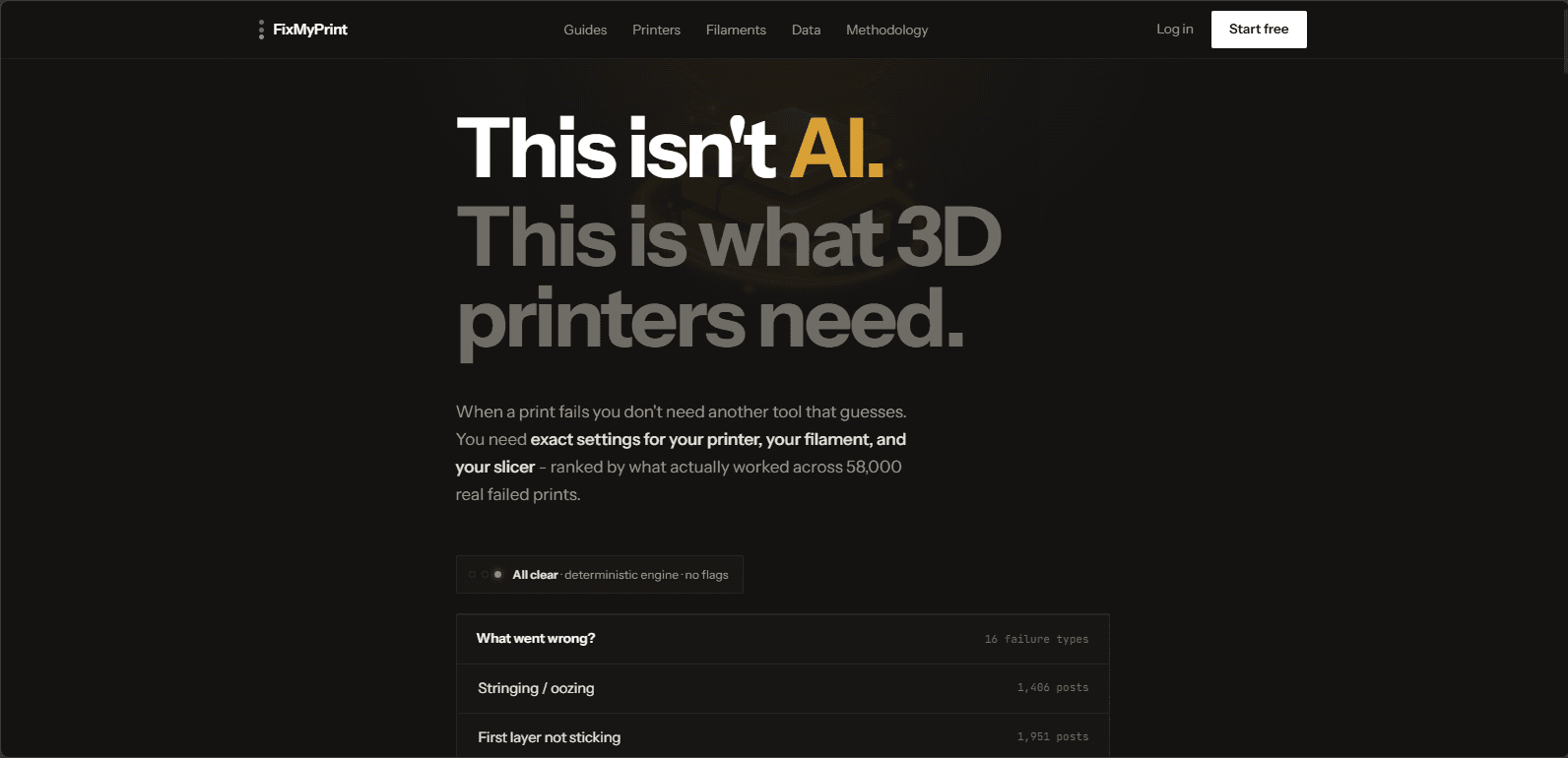
01Post a photo of a failed print in any forum and within minutes you'll be told to dry your filament, level your bed, and fix your Z offset - by people who don't know your printer, your filament, or your slicer. Upvotes reward answers that sound right, not answers that fixed the most prints.
Generic AI chat doesn't solve it either: it produces plausible-sounding settings, and plausible isn't good enough when a print takes nine hours. The answer had to be consistent, correct, and traceable to real outcomes.
The approach
02The core is a 100% deterministic settings engine - same printer, filament, and problem in, same fix out, every time. Recommendations are drawn from 58,000+ community-confirmed fixes (cases where the fix demonstrably worked, not just got upvoted) and bounded by data from 10 authoritative sources: Cura, PrusaSlicer, OrcaSlicer, Bambu Studio, SpoolmanDB, the Open Filament Database, Marlin, Klipper, and more.
AI is deliberately kept out of the numbers. Settings values are never AI-generated - AI handles only language and vision tasks, like identifying an issue from an uploaded photo. That split is the product's whole thesis: use AI where it's strong, never where it hallucinates.
Key features
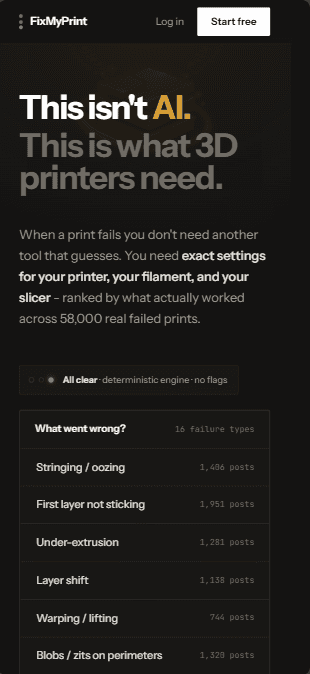
0316 issue types mapped to exact setting adjustments across 70+ printers, 13 filaments & 9 slicers - using each slicer's real field names.
Fixes ranked by how often they actually solved the problem for setups like yours - 58,000+ verified results, not upvotes.
AI identifies the failure from a photo; 1,317 brand-specific filament profiles cover temps, drying & storage.
Web app and Android companion live (iOS in progress), with 43 free troubleshooting guides - no signup required.
The result
04A live, free-to-try platform at fixmyprint3d.com, on web and Google Play - and the clearest answer to the question every client should ask a developer: have you actually shipped anything?
Every client project gets the same stack, the same standards, and the same person who built this.